
Choose a stop with Spin & Go
Filter your saved places and let the wheel choose where to go.
Prepare some candidates
Spin & Go picks from places you have already saved. It does not generate a feed of unfamiliar recommendations. Save a few places, then open the wheel.
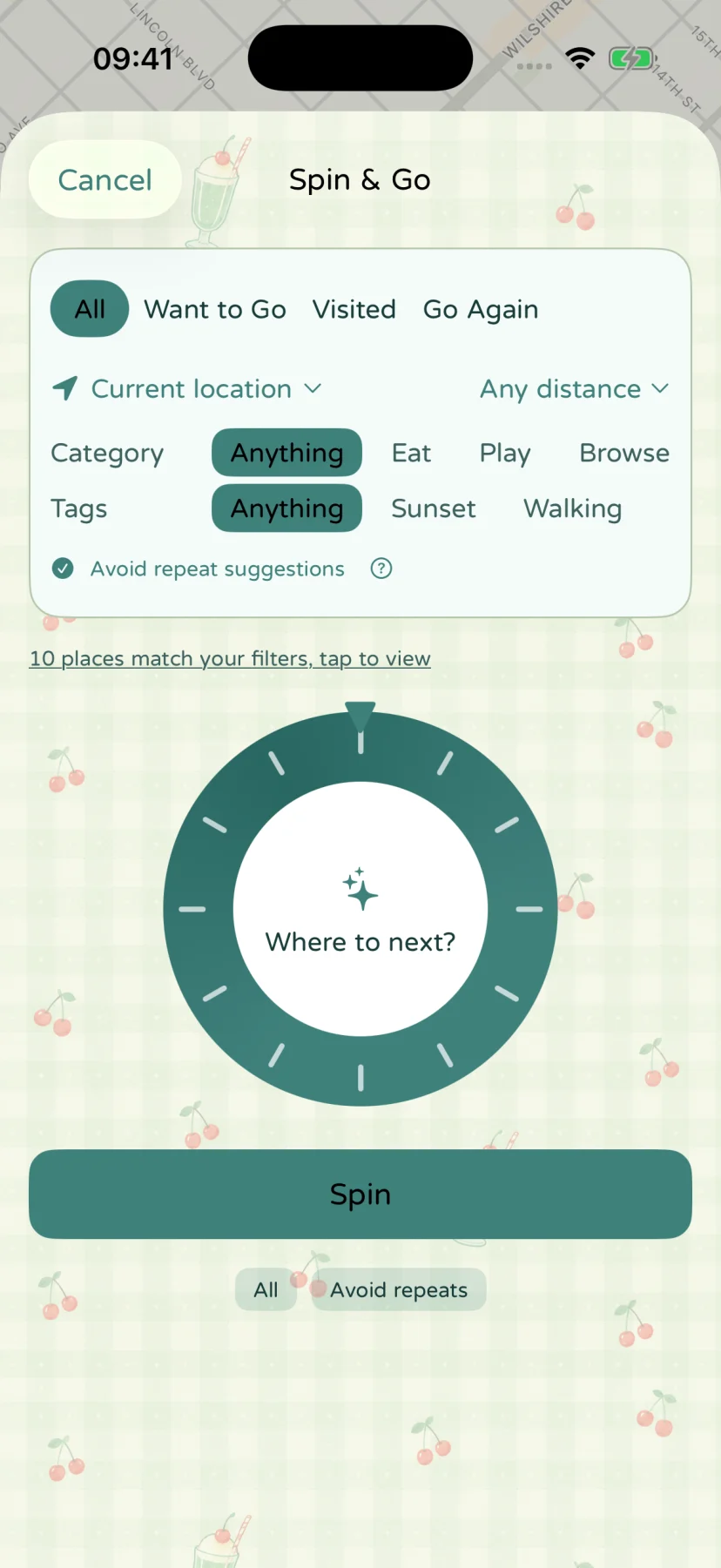
Narrow the choices
Filter by Want to go, Been there or Go again, and combine distance, category and tag filters. Use your current location or choose a starting point manually. Your current location needs an available location result.
Check the matching place count and open the candidate list to review it. If there are no candidates, widen the distance or relax other filters.
Let the wheel choose
Tap Pick one for me and view the selected place, cover photo and notes. Enable the option to avoid repeated suggestions if you want more variety. This does not change or delete saved places.
Explore or head out
Open the place details or get directions in a map app. You can also choose again. Directions are provided by the map service you select.