
Record and revisit memories
Keep words and media, add later thoughts and revisit On This Day.
Create and edit a memory
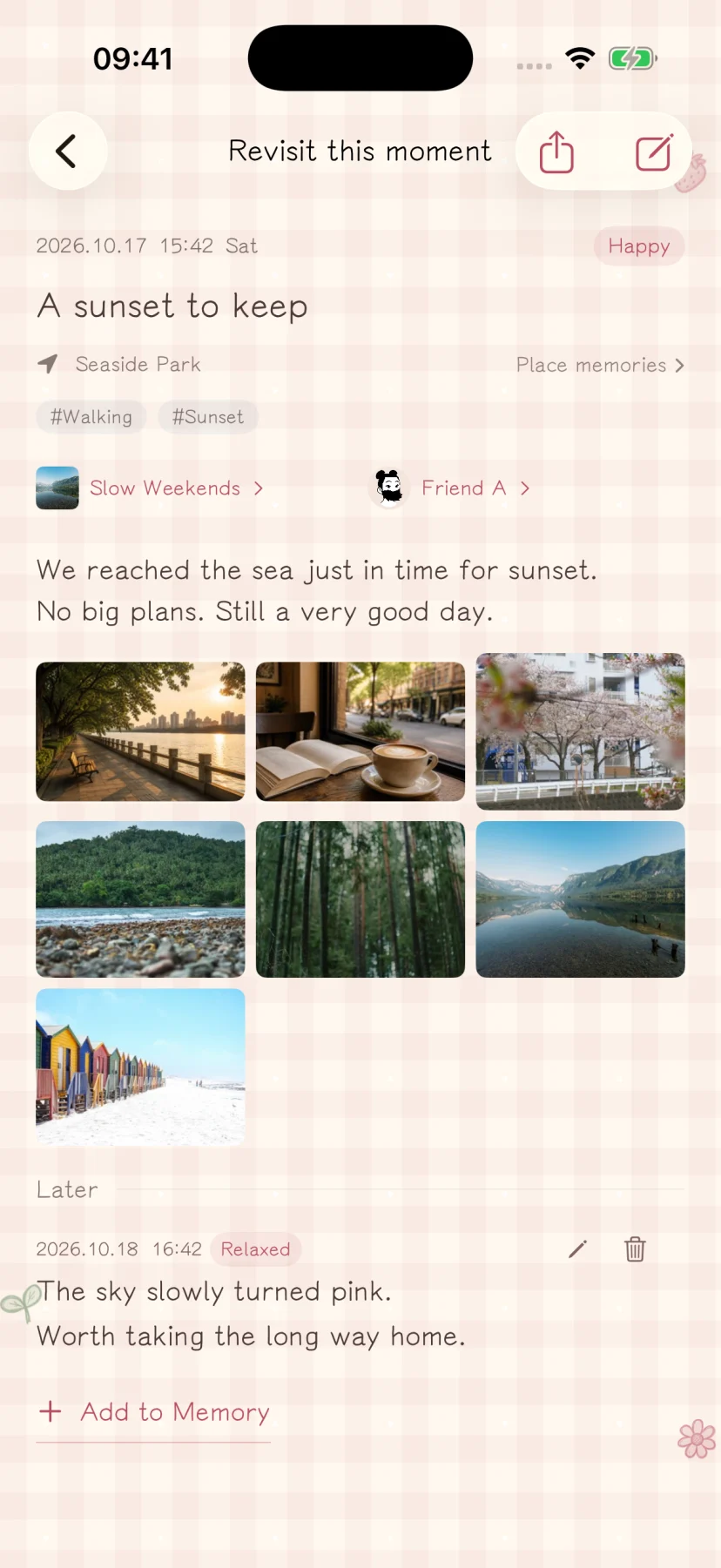
Start from the check-in entry, choose a time and place, and add a title, writing and mood. Use the title to identify the entry and the body for longer writing. After saving, open it from your memory list to read or edit it.
Add photos, videos and Live Photos
Import selected items through the system media picker, or use the camera. Attachments are copied into the app’s local storage. Removing an attachment in the app does not delete its source in your photo library.
Ordinary photos may be compressed during import; exporting cannot recreate the photo-library original. Keep full backups to preserve video and Live Photo paired files.
Add later thoughts and organize
Append a later thought to the same memory when something comes back to you. Organize related entries into collections or people collections.
Saved group check-ins are independent copies. Later edits and additions do not sync to companions.
Revisit On This Day
Open the memory management area in Me and choose On This Day to find entries from the same month and day in earlier years. It needs matching past records. Life reviews summarize existing entries for a selected period.
Keep a copy outside the app
A full backup restores app data. An HTML memory package lets you read on a computer. They serve different purposes; you can keep both.