
Create memory collections
Bring memories from a trip or a chapter of life into a collection.
Create a collection
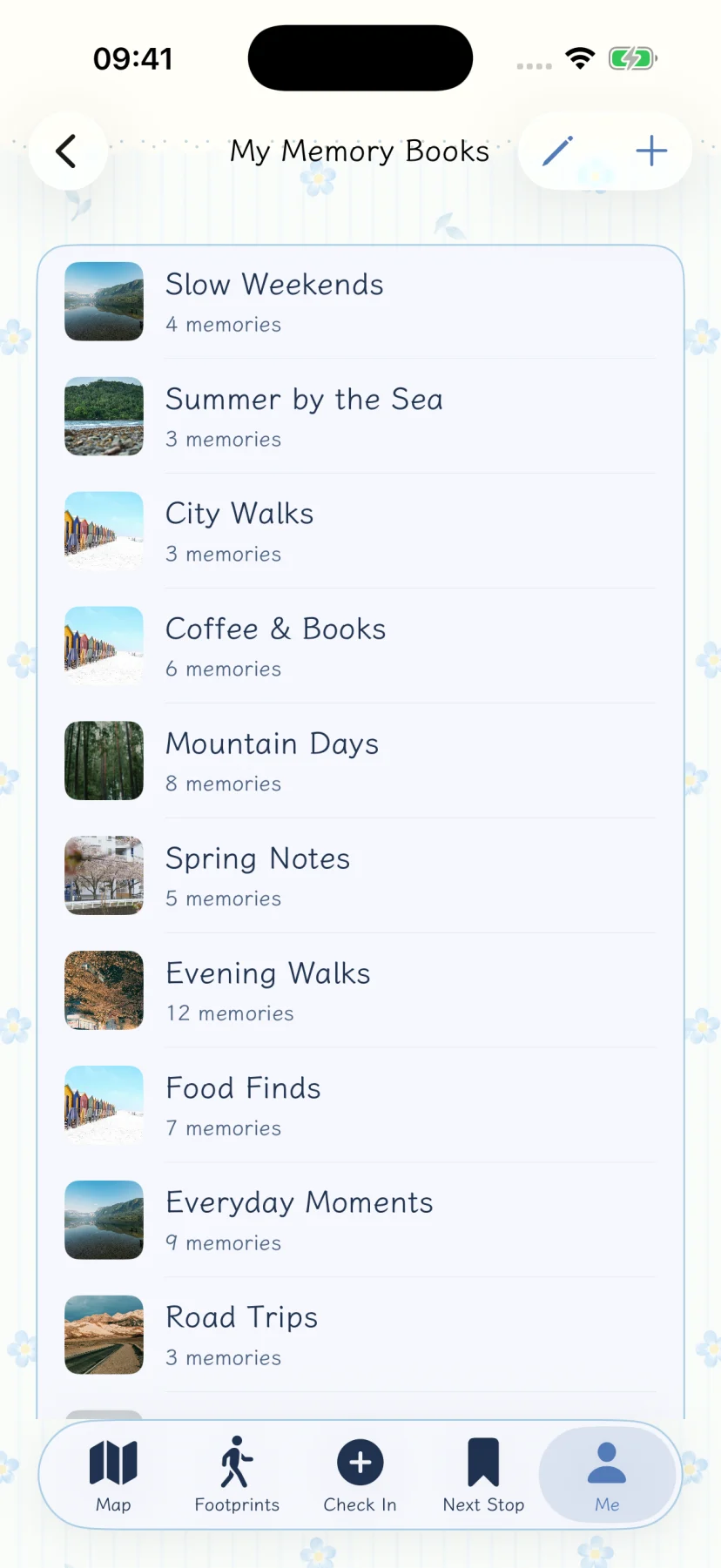
Open your collection list from Me and use the creation entry. Add a name and, if you like, a cover and description, then save. A trip or a season can each have its own collection.
Gather related memories
Add related records to the appropriate collection and open it to browse them together. Collections organize existing records; they do not publish them online.
Browse and manage
The list shows your collections. Open one to view its memories, or use its management entry to change its name, cover or description.
For records connected to someone, try a people collection. Both are local ways to organize memories, not account-based albums that keep syncing.
Back up collections
A full backup includes collection information and associated media. Before changing devices, use backup and restore. A screenshot of the cover is not a backup.